B-1/E-23, Mohan Co-Operative Industrial Area, Mathura Road, Delhi-110044, India


- Digital Signature Software
- 15-Oct-2026
- -
- 0 Comments
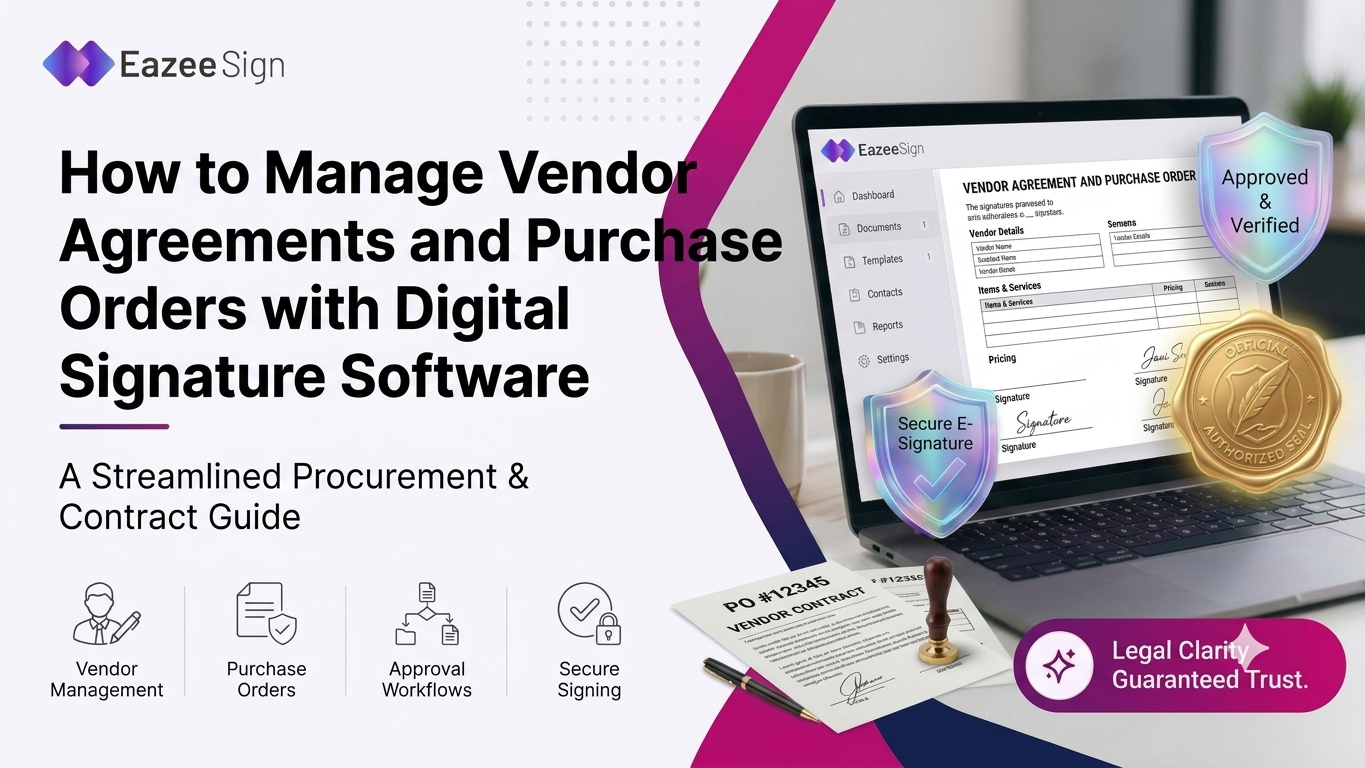
Paper approvals slow down business. A vendor agreement can sit on desks for days. Digital signature software fixes that delay by moving each step online. This guide shows exactly how. It covers agreements, purchase orders, key features and habits. Electronic signature software and an eSign app also get a look.
Why Vendor Agreements and Purchase Orders Need Careful Handling
Two documents drive most buying. A vendor agreement sets long term rules between companies. A purchase order names the exact items, prices and delivery dates. Both need a valid signature, without one — the vendor may refuse to deliver goods.
Printed information is sometimes misplaced, and the approvers are forced to wait on managers traveling around the world.
A small inaccuracy leads to monetary losses, where a wrong number or date results in a dispute. Hence, the teams must spend time reading email streams to find out who approved what. Proper habits eliminate this issue. Well-formulated templates lead to consistent conditions among all vendors.
The advantage of digital signature software is that it speeds matters up and provides a clear record simultaneously. Nonetheless, with the increase in volume, this becomes more and more difficult in the process. In a fast growing business, hundreds of orders can come through at the same time — the problems of manual control grow exponentially, and issues happen easily.
How Digital Signature Software Changes Vendor Agreement Management
Signing now moves fully online. Once a person signs, he/she gets the access to the document online, without having to print, fax or courier documents any more. The sender sets who signs first, second and last. Finance heads sign only after the buyer and the legal team.
Status always stays clearly visible. Dashboards show which agreements are signed waiting or late. Managers no longer chase vendors by phone — they check the screen. Automatic reminders also help here. The system nudges late signers without any manual work. Contracts that once took two weeks can close in two days.
Steps to Manage Purchase Orders with Digital Signature Software
Five simple steps cover everything. First the buyer prepares the order from a template. The template already holds item codes, tax fields and payment terms. Second comes the internal review. A manager checks quantities, prices and the delivery address. Changes get made before signing — since late edits can break trust.
Third comes the formal approval. The authorized signer adds a signature using any device. Spending limits matter here, so large orders always reach senior approvers. Fourth, the vendor also signs. The vendor accepts the order and confirms delivery dates. Both sides then hold the same final copy which removes confusion.
Last comes safe, searchable storage. The finished file goes into a shared searchable folder. Finance teams can later match the invoice order and delivery note. A final tracking step follows. Reminders alert teams when orders stay unsigned too long. Managers can then follow up with one click instead of emails. Version control also stays easy. One live copy exists, so nobody signs old files. Old drafts stay in history but cannot be signed by accident.
Features to Look For in eSignature Software
Not every tool works well for everyone. Wonderful eSignature software provides templates and they are invaluable for documents that have to be filled in multiple times. Templates can save time and are equally important to ensure that the wording is the same across hundreds of orders. There is an excellent audit trail that tells who signed, when and where. This information can help a lot in case a vendor disagrees with any order.
Role based access is also useful. Only the people who are authorized to sign sensitive documents should be granted access. Administrators can set up the access levels in a way that allows interns not to sign large payments alone. Good integration can also save time and energy. By connecting eSignature software with accounting or ERP system there is no need to input information multiple times.
Alerts can be of help too. The reminders will make managers aware of a vendor’s contract that is about to expire so there will not be any price fluctuations. Quick search saves a lot of time. It helps to find a needed document any time.
Using an eSign App for Faster Vendor Approvals
Busy managers rarely sit still. An eSign app lets managers approve orders from phones. A notification arrives, the manager reads the file, signing takes seconds. Delays shrink almost right away. A plant manager approves rush orders from the floor. Vendors also enjoy the speed — because shipping starts the same afternoon.
Mobile use needs real safety. A good app asks for a passcode or fingerprint. It also keeps the audit record, so mobile signatures stay traceable. Push alerts keep approvals moving. Managers see new requests the moment buyers send them. Nothing waits in an inbox overnight and rush orders move faster.
Security and Record Keeping with Digital Signature Software
Security protects every single deal. Digital signature software confirms the identity of each signer. Encryption locks the file — so later changes become easy to spot. Storage also needs a plan. Teams should keep signed vendor files in one place.
When audit trail names and timestamps are clear, it simplifies everyone task with audits. The regular backup of data is vital as well. Cloud storage services are helpful in avoiding data loss from fire, theft or malfunctioning. On the other hand, the only way to store paper files is locking them in a cabinet. Access logs are beneficial as well as administrators can see who accessed particular files and identify any suspicious behavior.
Key Benefits of Digital Signature Software for Vendor Management
Cost savings add up fast. Printing, paper and courier bills shrink every single month. Small businesses feel this most, since saved money goes into growth. Accuracy improves quite a lot. Required fields stop signers from skipping any key details. Fewer missing dates and blank boxes mean far fewer disputes later.
Supplier relations are also undergoing tremendous improvement. Expedite replies and clear signed order confirmations are what suppliers need from the other side. Speedy signing builds trust-and trusted vendors offer better terms. Teams spend their time in better ways. Employees now no longer spend their time in hunting for the signatures but solving the real problems in their work flow. This change improves morale and makes the entire buying process considerably more enjoyable.
Common Mistakes to Avoid
Some errors repeat quite often. The first is skipping the authority check before sending. A signer without real power can make a contract totally worthless. Weak templates also cause trouble, missing fields in the document lead to delays and require extra time in edits and extra rounds. A short checklist before sending catches most gaps before vendors notice.
Another mistake is ignoring renewals. Contracts quietly expire when nobody tracks the end date. Calendar alerts inside the software solve this — no spreadsheet is needed. Poor staff training causes problems. Staff should learn the tool before the first contract. A short session builds confidence and confident teams make fewer errors. Regular reviews should happen often. The transaction templates can be checked regularly depending on changes in the company’s policies.
Conclusion
Vendor paperwork can stay simple. Digital signature software gives every approval a clear path. Electronic signature software, eSignature software and an eSign app add speed. Records stay safe as well. Using great tools ensures successful business operations. You can use one signed paper as a start for your dealings.
FAQs
What is a purchase order?
It is a buying document. A buyer sends it to a vendor for goods. Once the vendor accepts it the order becomes binding for both.
Can digital signature software sign purchase orders?
Yes, it handles them well. Buyers upload the order — add signers and send it. Signers open a link, sign on any device and files save.
How is electronic signature software different from digital signature software?
Both aim at signing online. Digital signatures add stronger proof through encryption and certificates. Many tools offer both so teams rarely have to choose one.
Is an eSign app safe for vendor contracts?
In general, effective applications are quite secure. These use encryption, access codes, and detailed audit trails. Still, teams should only select applications with good reviews and transparent policies.
What should a vendor agreement template include?
Clear basics always come first. Names, scope, prices, payment dates and exit terms belong. A signature block for each signer should sit at the end.
How long does a purchase order approval take?
It depends on the procedure to be followed. Paper based processes might take up to days, or sometimes even weeks for one signature to get through, while just a few hours can be needed for an online signature software to do the same job.