B-1/E-23, Mohan Co-Operative Industrial Area, Mathura Road, Delhi-110044, India
- Digital Sign Apps
- 01-Oct-2026
- -
- 0 Comments
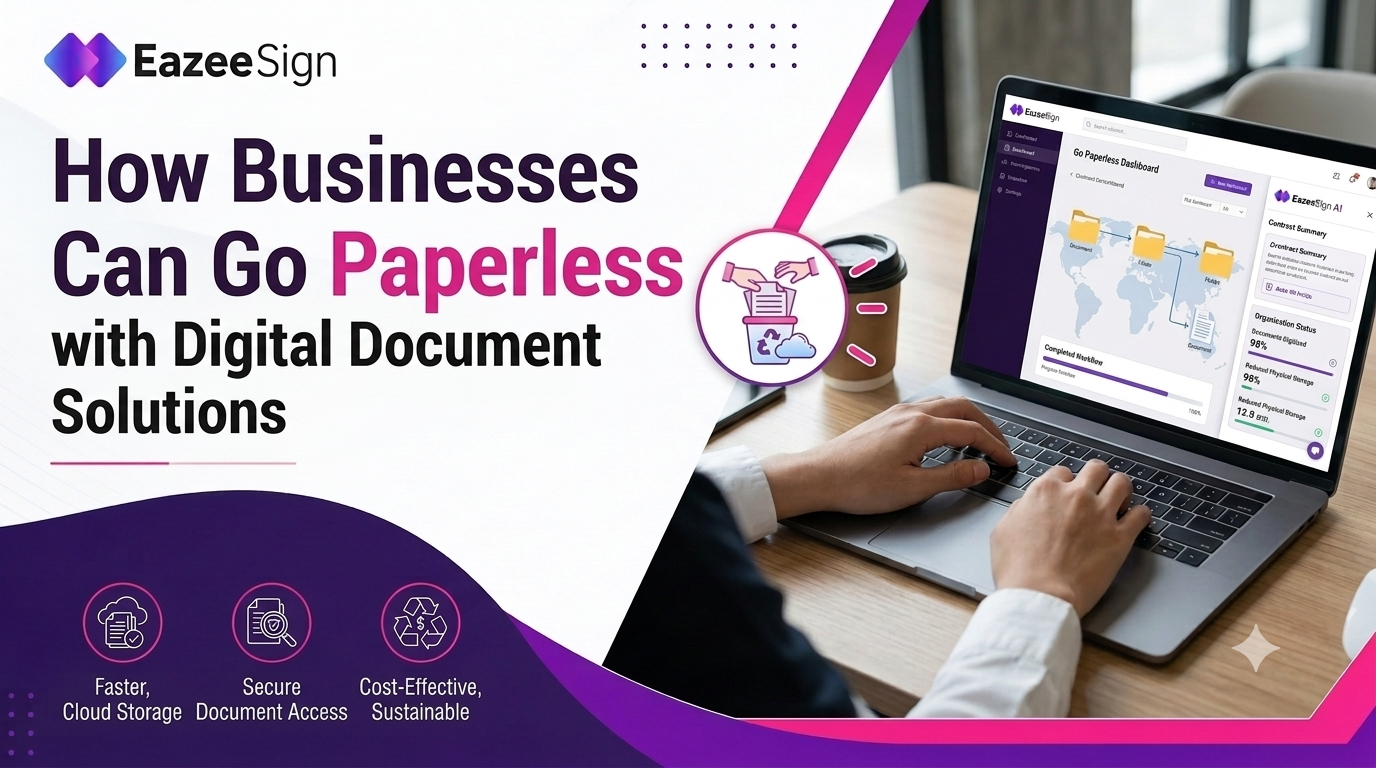
Going paperless sounds like a big goal. In reality it is simple. It means less printing, fewer signatures that get stuck on someone’s desk and no more digging through old filing cabinets. Most businesses do not switch everything at once. They usually start with one thing, signing documents and then move on from there.
This article explains why businesses are moving away from paper, how Digital Signature Software helps with that shift and what a simple, realistic path to going paperless looks like.
Why Businesses Are Moving Away from Paper
Paper costs more than people think. Printing costs money. Storing old files costs money. Sending documents by courier costs money too. Filing cabinets also take up office space that could be used for something better. These costs add up slowly so many businesses never really notice them.
Then there is time. A contract might sit on someone’s desk for days. An invoice might need three signatures and two of those people are out of office. Some businesses also care about the environment and want to cut down on paper for that reason. But most of the time, the real reason is simple: paper is slow and slow costs money.
Digital Signature Software: The Starting Point for Going Paperless
Signing documents is usually the first thing businesses switch to digital and it makes sense why. Almost every department needs it. HR needs signed offer letters. The purchase team needs signed vendor contracts. Finance needs signatures before paying an invoice. Legal needs approval before any agreement becomes official. Digital Signature Software solves this problem for every department at the same time, instead of fixing it for just one team.
Once signing happens online, a document does not sit and wait. It can be reviewed signed and saved in just a few minutes. Every signed document also comes with a timestamp and a record of who signed it and when. For a business that wants to cut down on paper without slowing things down, this is usually the easiest place to start.
Electronic Signature Software and the Rest of the Paperless Workflow
Signing is just the beginning. A truly paperless business goes further than that. Electronic Signature Software is not only for contracts. It also works for invoices, HR forms, internal approvals, expense reports and vendor paperwork. Basically, anything that used to mean printing, signing and scanning can now be done online instead.
One signed contract saves a little time. But when a hundred contracts, along with invoices and HR forms, all move online, it changes how the whole department works. Files become easy to search instead of being lost in a folder somewhere. Approvals no longer need someone to be physically present in the office. Mistakes like a missing signature or a missing date get caught right away, instead of being found weeks later during an audit.
Departments that handle a lot of paperwork, like HR, procurement and finance, usually notice the biggest change once this goes beyond just contracts.
The eSign App and Working Paperless on the Go
None of this works well if it only works from a desk. An electronic signature software lets people sign documents from wherever they are, a phone on the train, a tablet between meetings, or a laptop in a hotel room. For teams working remotely or in a hybrid setup, this has become something they simply expect now.
Security should stay strong no matter which device is used. Features like two factor authentication, signing directly through a browser with no download needed and a full activity log should work the same way on a phone as they do on a laptop. Being fast is good, but only if it is also safe.
What to Look for in Digital Signature Software for a Paperless Shift
Choosing the wrong platform can undo a lot of the benefits of going paperless. A few things are worth checking before choosing one.
Legal compliance comes first. In India, Digital Signature Software should follow the Information Technology Act, 2000, so a digitally signed document holds up the same way a handwritten signature would if it is ever questioned. Audit trails matter too. Every action taken on a document, not just the final signature, should be easy to trace if there is ever a dispute.
How easy the platform is to use also matters a lot and this is often overlooked. If a platform needs training just to use it, people will not use it regularly, especially staff who only sign something once in a while. Simple tools usually work better than ones packed with too many features.
How EazeeSign Supports a Paperless Transition
EazeeSign was built with exactly this kind of shift in mind. Both electronic and digital signature options are available on one platform, so businesses do not need two separate tools for two similar jobs. Everyday agreements can be signed using the electronic signature option, while documents that need extra verification can use the digital signature option instead.
AI features also help once the amount of paperwork grows. Long documents can be summarized quickly, key dates and approvals can be pulled out automatically and anything unusual can be flagged before a document is signed. Along with this, there is a full audit trail, two factor authentication, bulk sending for large batches of documents and automatic reminders so nothing gets stuck waiting on one person. Since it also works as an eSign App, none of this depends on being at a desk.
A free trial with full access is available, so businesses can test everything on real documents before choosing a plan.
Final Thoughts
Going paperless does not usually happen overnight and trying to rush it often causes problems. It works better as a gradual process, starting with signatures, then moving to invoices, HR paperwork and approvals as the team gets comfortable. Businesses that take this step by step approach usually end up with faster approvals, cleaner records and a lot less time spent chasing paper around the office.
Frequently Asked Questions
How do I make my business paperless?
Start with the process causing the most delay. This is usually signing documents. Move that online first using Digital Signature Software and then slowly move other paperwork online too.
Is going paperless with digital signatures secure?
Yes, as long as the platform has features like two factor authentication, encrypted storage and a full audit trail.
Is Electronic Signature Software legally valid for business contracts?
Yes. In India, electronic signatures are recognized under the Information Technology Act, 2000, so digitally signed contracts are just as valid as handwritten ones.
Can employees sign documents remotely using an eSign App?
Yes. A good eSignature software lets people review and sign documents from a phone, tablet, or laptop, which is useful for remote or hybrid teams.
Does going paperless actually save money for a business?
Yes, mainly by reducing printing, storage and courier costs, along with saving time on approvals. Businesses with a lot of paperwork usually save the most.